
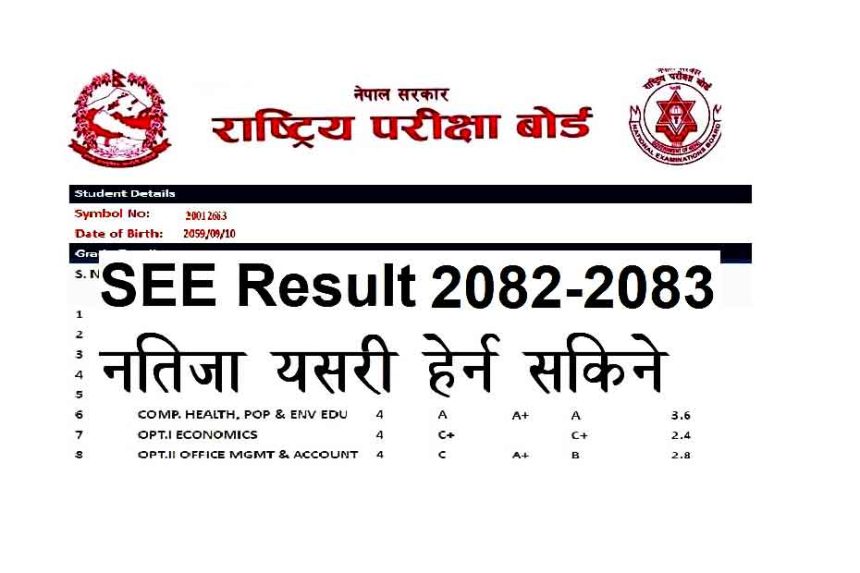
The National Examination Board (NEB), Nepal has officially announced the SEE Result 2082 2083. Students from across the country can now check their SEE marksheet, download their grade sheet, and verify their GPA and subject-wise scores easily through multiple methods.
📅 SEE Result 2082 2083 Publish Date
The SEE Result 2082 2083 (conducted in Chaitra 2082) has been officially published by NEB. Generally, SEE results are released in Baisakh. This year, the result was made public in Baisakh Last Week.
🔍 How to Check SEE Result 2082/ 2083 Online?
Students can check their SEE result through these easy methods:
1. Official Website (NEB/National Examination Board)
- Go to: www.see.gov.np or www.neb.gov.np
- Enter your Symbol Number and Date of Birth (DOB)
- Click “Submit” to view your marksheet
2. SEE Result Website – NEB Partner Sites
- www.see.ntc.net.np (Nepal Telecom)
- www.results.ekantipur.com
- www.moe.gov.np (Ministry of Education)
SEE Old (2079 Old Syllabus) Grade Briddhi Result 2082 2083
=> View Today Published OLD SEE Grade Briddhi Result List all
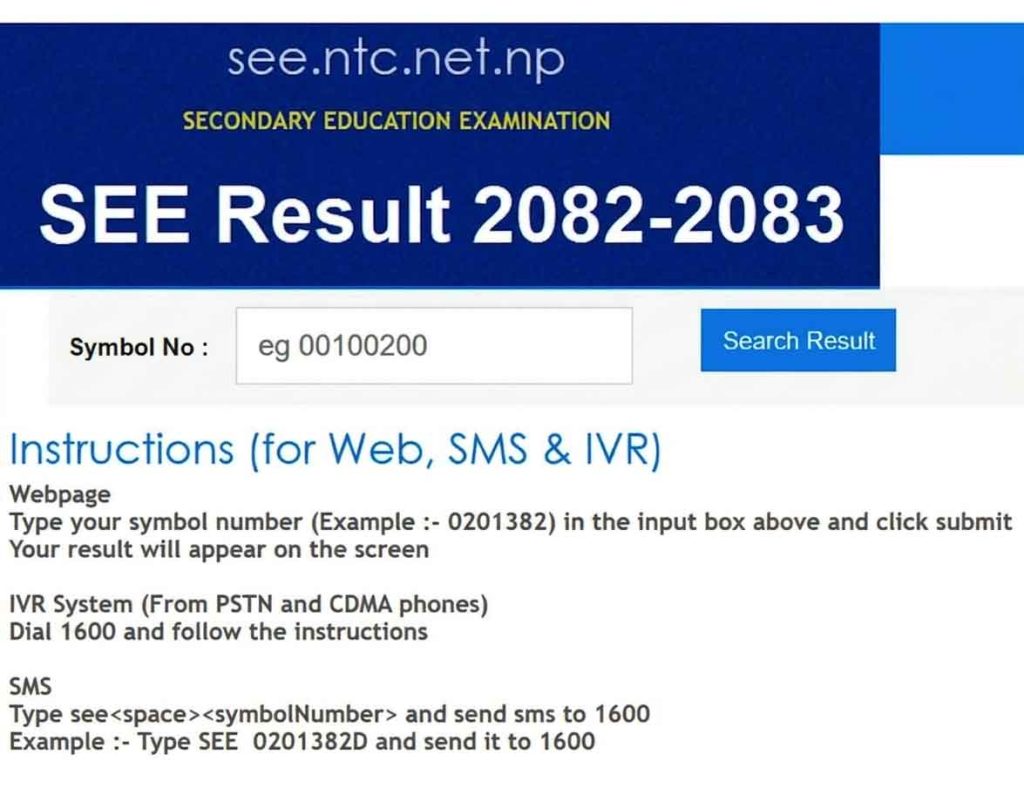
3. Via SMS
Type:
SEE <space> Symbol Number
Example: SEE 0123456
Send it to: 1600 (NTC), 35001 (Ncell)
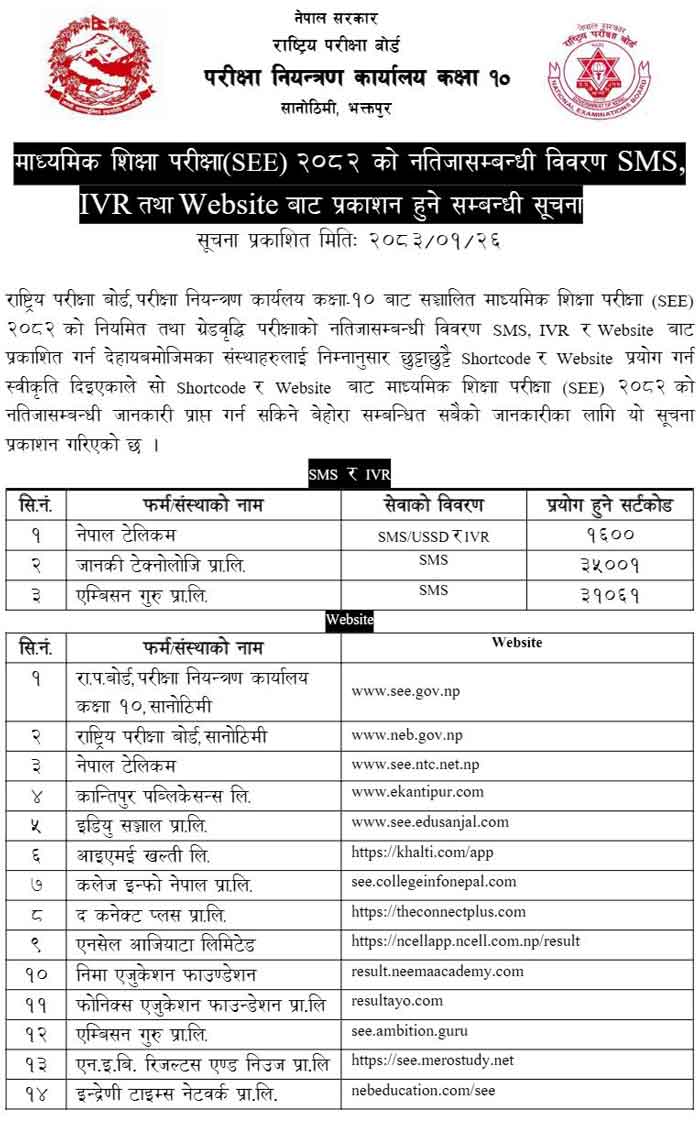
4. SEE Result via IVR (Voice Call)
- Dial 1600 from NTC or landline
- Follow the instructions to hear your result
📝 What Details Are Available in SEE Grade Sheet?
The SEE Grade Sheet / Marksheet includes the following details:
- Student’s Name & Symbol Number
- School Name & Code
- Subjects Appeared
- Grade Points (GPA) for each subject
- Total GPA
- Result Status (Pass/Fail)

🎓 How to Download SEE Marksheet PDF Online?
To download your SEE grade sheet:
- Visit www.see.ntc.net.np
- Enter symbol number and date of birth
- Click “Submit”
- Right-click on the marksheet page and select Print as PDF to save
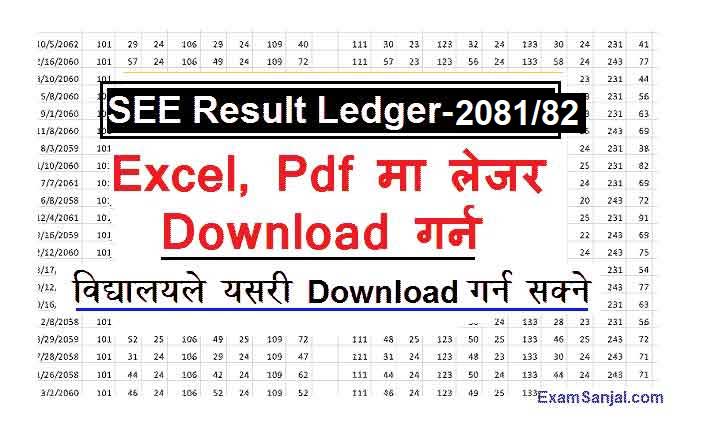
SEE Result Ledger 2082 2083 Download School wise
📊 SEE Grading System 2083 (New NEB GPA System)
| Grade | GPA | Performance |
|---|---|---|
| A+ | 3.6 – 4.0 | Outstanding |
| A | 3.2 – 3.6 | Excellent |
| B+ | 2.8 – 3.2 | Very Good |
| B | 2.4 – 2.8 | Good |
| C+ | 2.0 – 2.4 | Satisfactory |
| C | 1.6 – 2.0 | Acceptable |
| D | 1.2 – 1.6 | Basic |
| E | 0 – 1.2 | Very Poor/NG |
🔐 Forgot Your Symbol Number or DOB?
- Contact your school administration
- Check your SEE Admit Card
- Retrieve from previous exam registration copies
🚀 Useful Tips for SEE Students
- Always keep a printed copy of your result
- Check for any errors in your name or grades and report it immediately
- Keep your symbol number and DOB confidential
- Use official portals only for authentic results
📢 SEE Result 2082: Frequently Asked Questions (FAQs)
Q1. What is the official SEE result site?
A: www.see.ntc.net.np is the official portal.
Q2. Can I download my SEE marksheet?
A: Yes, you can download your marksheet in PDF format.
Q3. What to do if my GPA is incorrect?
A: Contact NEB office or your school immediately with proper documents.
🔗 Important Links:
- 👉 Check SEE Result 2081/2082 with Marksheet – Click Here
- 👉 SEE Result NEB Official Website
- 👉 SEE Exam Details & News – Examsanjal.com
📌 Final Words:
The SEE Result 2081/2082 has been made available through multiple channels for the ease of students and parents. Use official platforms to check your grade sheet, GPA, and full marksheet and plan for your +2 studies or entrance exams accordingly.